hold cmd to draw around!
click the icon for a live demo!
hold cmd to draw around!
click the icon for a live demo!
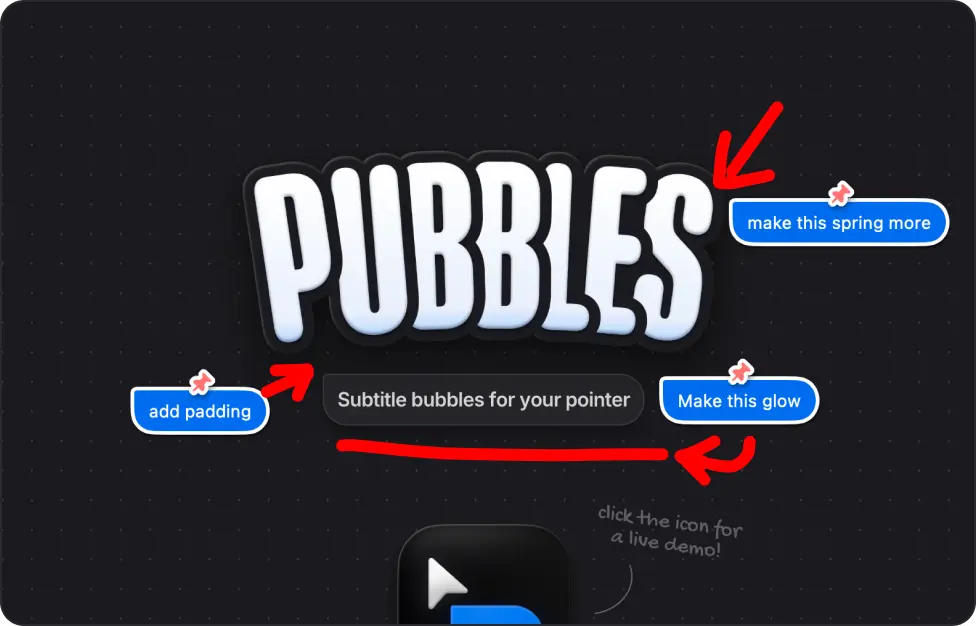
Turn on Pubbles with cmd+/ (editable) and type anything and it appears as a subtitle bubble below your pointer. Perfect for walkthroughs, tutorials, and live demos!
Pairs best with

Screen Studio

CleanShot X

Loom
Pick a look from the preset themes, or create your own and share it with friends! Loads of customization options available.
Hold cmd+drag or turn on Doodle mode with cmd+d (editable) to Doodle directly on your screen. Highlight what matters, alongisde text, then let it fade away.
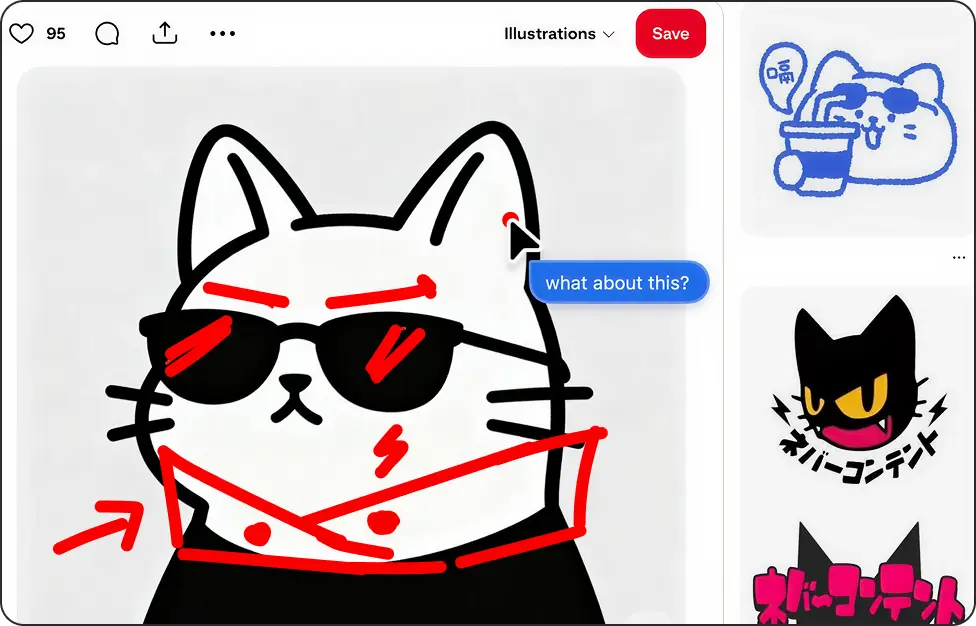
Use Babble mode with cmd+m (editable) to turn your voice into live subtitle bubbles. Doodle while you talk too. Hold Cmd to draw and annotate as you narrate, all hands-free.
Pin a Pubble in place with cmd+right-click (editable) to keep it visible across multiple screenshots and frames, perfect for multi-context walkthroughs.


macOS might show a warning and ask you to trash the app.
That's because I haven't paid Apple $99/yr for the privilege of being a "verified" developer :)
Donate to Support!
Just close the prompt, then go to Settings > Privacy & Security > scroll down and click "Open Anyway"
View Step by Step Guide
Or install via terminal:
brew install --cask shub-rajput/pubbles/pubbles Hope you enjoy using Pubbles!